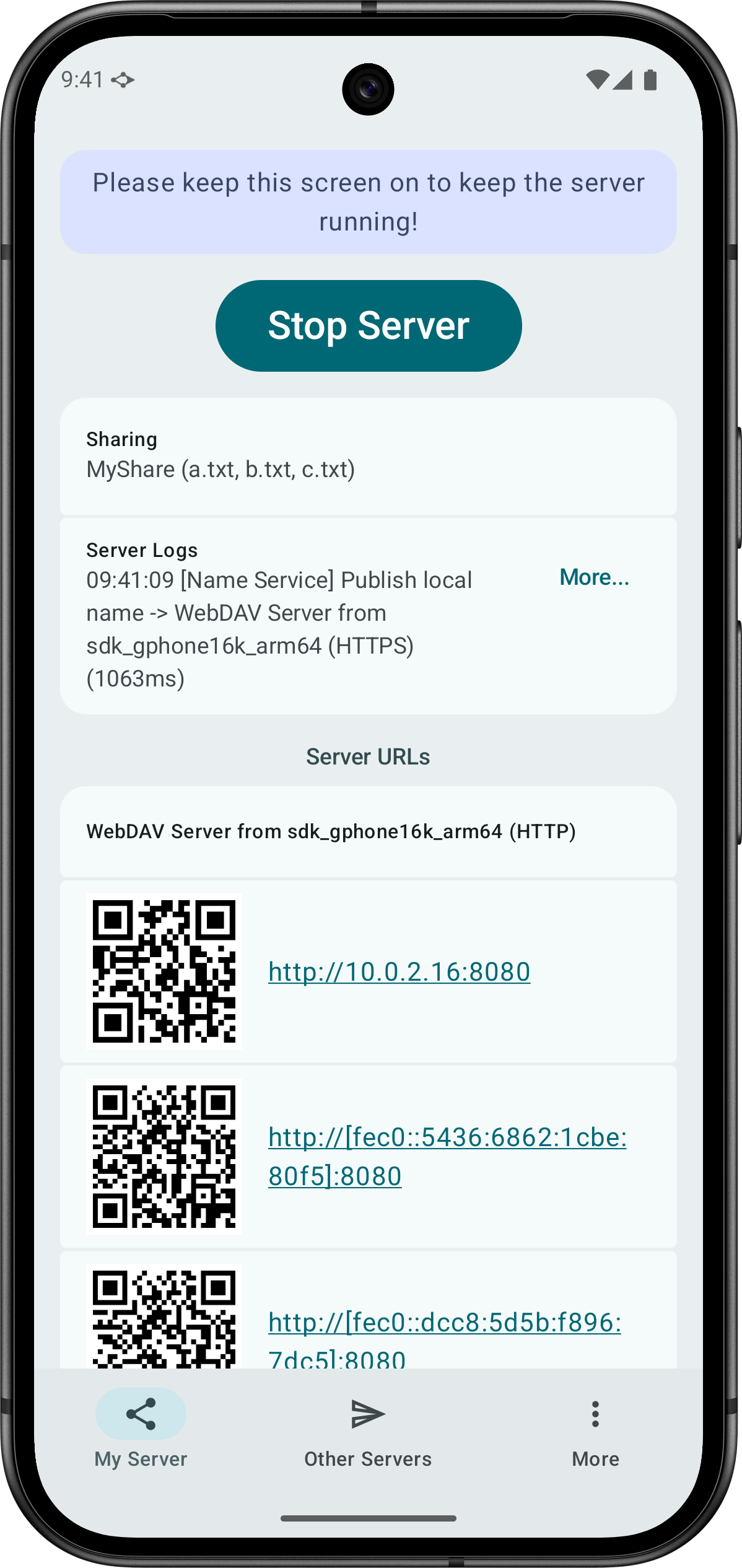
WebDAV Share Send lets you share and send files via the WebDAV protocol.
Run a WebDAV server to share a folder
By selecting a folder, WebDAV Share Send can run a WebDAV server to let other people access the files under the folder. You do not need to grant app permission to access all files in your device.
Access and manage the shared folder via the browser
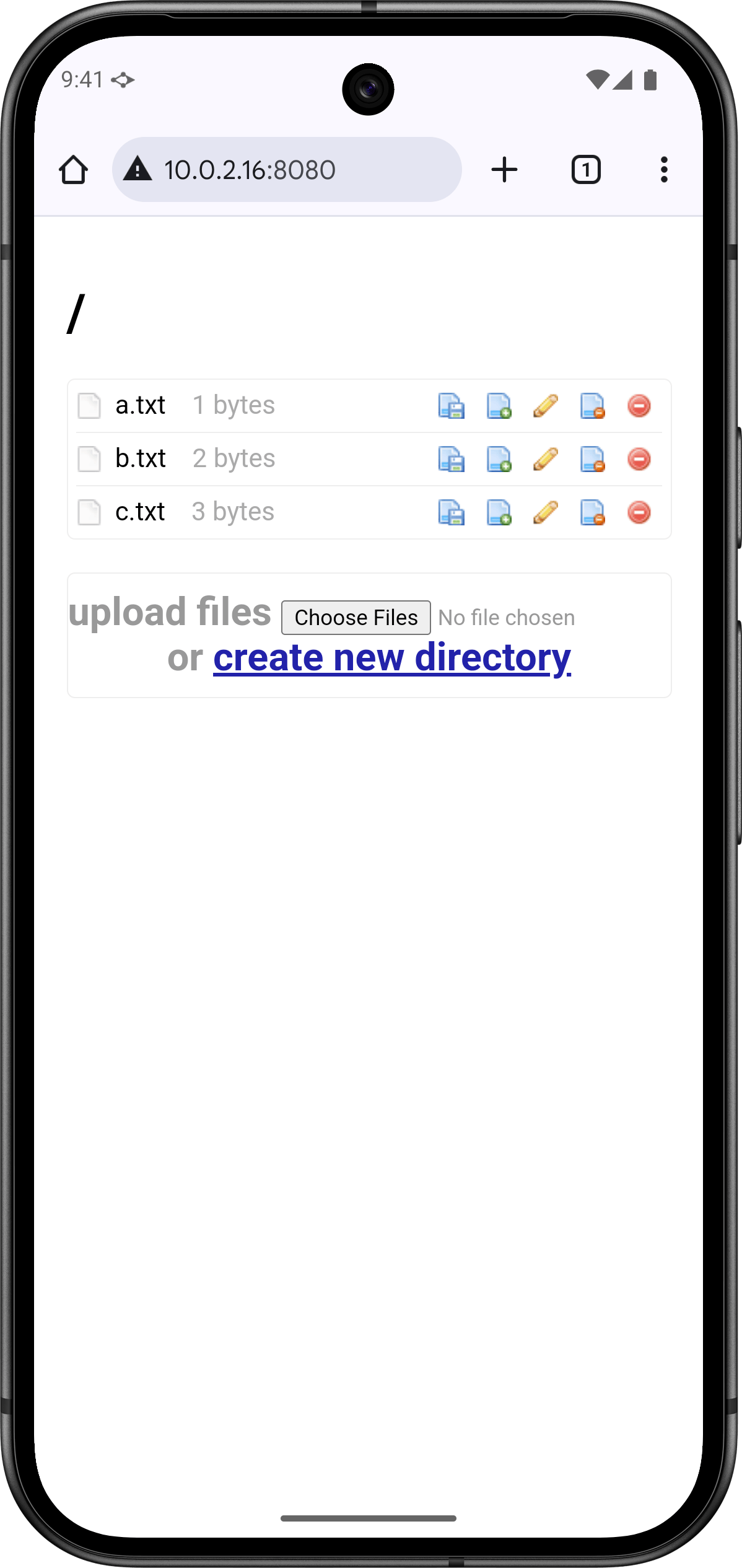
WebDAV Share Send provides a web interface for you and other people to access and manage the shared files via the browser. Of course, you can still use any WebDAV clients you like to access the files.
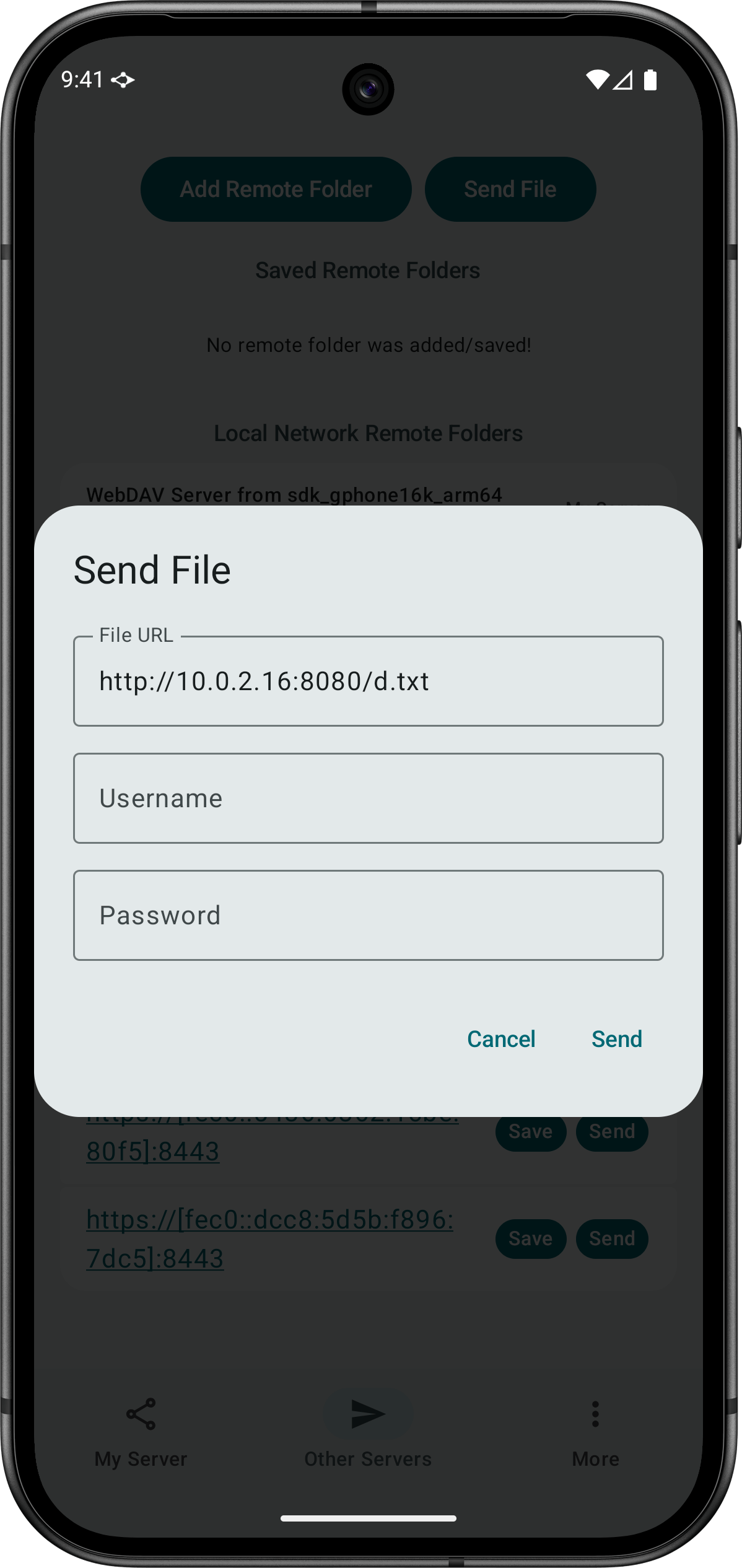
WebDAV Share Send lets you send a file to a WebDAV server run by another person. You can save the server URL to make it easier to send other files to the same server later.